Absolum controls
On a gamepad, jump, dash, strike and skill are the four face buttons, Arcana sits on the triggers, and the ultimate is both triggers together once you hold a Spark of Power. Keyboard defaults use the arrow keys, Space, Z, X, C and A. Rebinding is open on keyboard and pad.
Defaults Prima printed
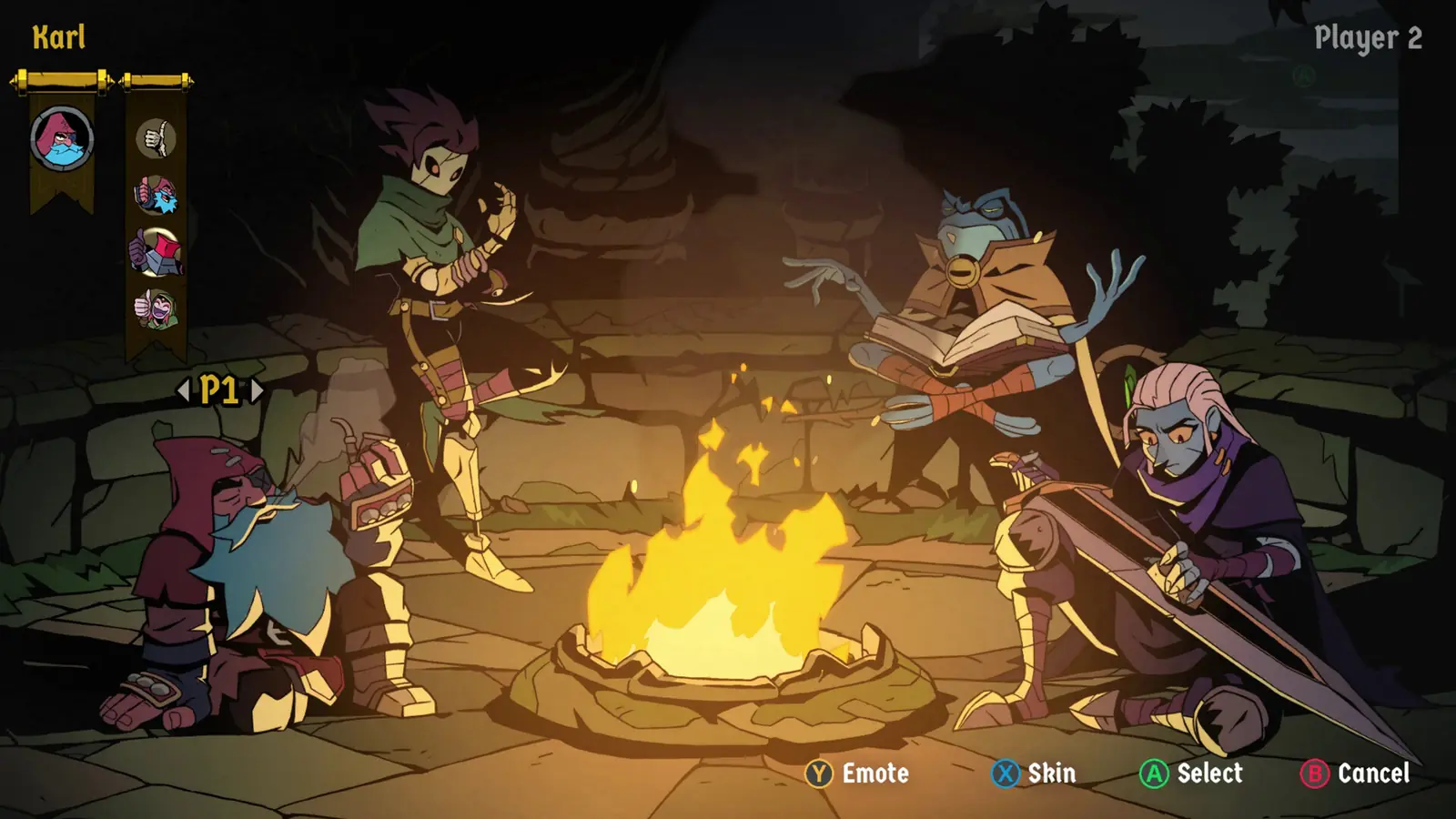
Prima’s full control list is the table I follow. Xbox-style names are listed first, then PlayStation, then Nintendo: Jump A / Cross / B, Dash B / Circle / A, Strike X / Square / Y, Skill Y / Triangle / X. Arcana 1 is RT / R2 / ZR. Arcana 2 is LT / L2 / ZL. Interact and throwable share RB / R1 / R. Inventory is LB / L1 / L. The ultimate is LT+RT / L2+R2 / ZL+ZR. It spends a Spark of Power. It is not a cooldown.
Keyboard: arrows to move, Space jump, Z strike, X skill, C dash, A interact or throw, Left Ctrl and Left Shift for the two Arcana, D inventory, M map. PC can show Xbox, PlayStation or Switch icons from the display menu. Emotes are inventory held plus a direction. Prima’s password article says RB for that hold, which conflicts with the inventory key. The emote page keeps both.
| Action | Xbox-style | Keyboard |
|---|---|---|
| Jump | A | Space |
| Dash | B | C |
| Strike | X | Z |
| Skill | Y | X |
| Arcana 1 / 2 | RT / LT | Left Ctrl / Left Shift |
| Ultimate | LT+RT | See rebinds |
| Inventory / emote hold | LB | D |
Questions
How do I use the ultimate?
Press both triggers together while you have a Spark of Power.
Can I swap keyboard and pad?
Yes. Prima notes full rebinding, and Steam Input can sit on top.
Related
Sources
Checked 2026-11-07. Applicable public version notes are in the tables above.